In the modern sales landscape, generic outreach is the enemy of revenueRevenue Revenue is the amount of money a business generates during a specific period such as a year or a quarter; also called sales.. Your prospects are inundated with noise, and the only way to stand out is through relevance. Pipeliner CRM’s Email Personalization feature empowers you to use the full depth of your customerCustomer Customer is an individual or an organization that purchases a product or signs up for a service offered by a business. dataData Data is a set of quantitative and qualitative facts that can be used as reference or inputs for computations, analyses, descriptions, predictions, reasoning and planning.—from Opportunity details to AccountAccount Account refers to a record of primary and background information about an individual or corporate customer, including contact data, preferred services, and transactions with your company. history—to craft messages that feel one-to-one, even when sent to the masses.
Seamlessly integrated with Microsoft Office 365 and Gmail, Pipeliner CRM ensures your workflow remains uninterrupted while your response rates skyrocket.
Turn Data Into Dialogue
Most CRMs allow you to insert a first name. Pipeliner CRM will enable you to insert context.
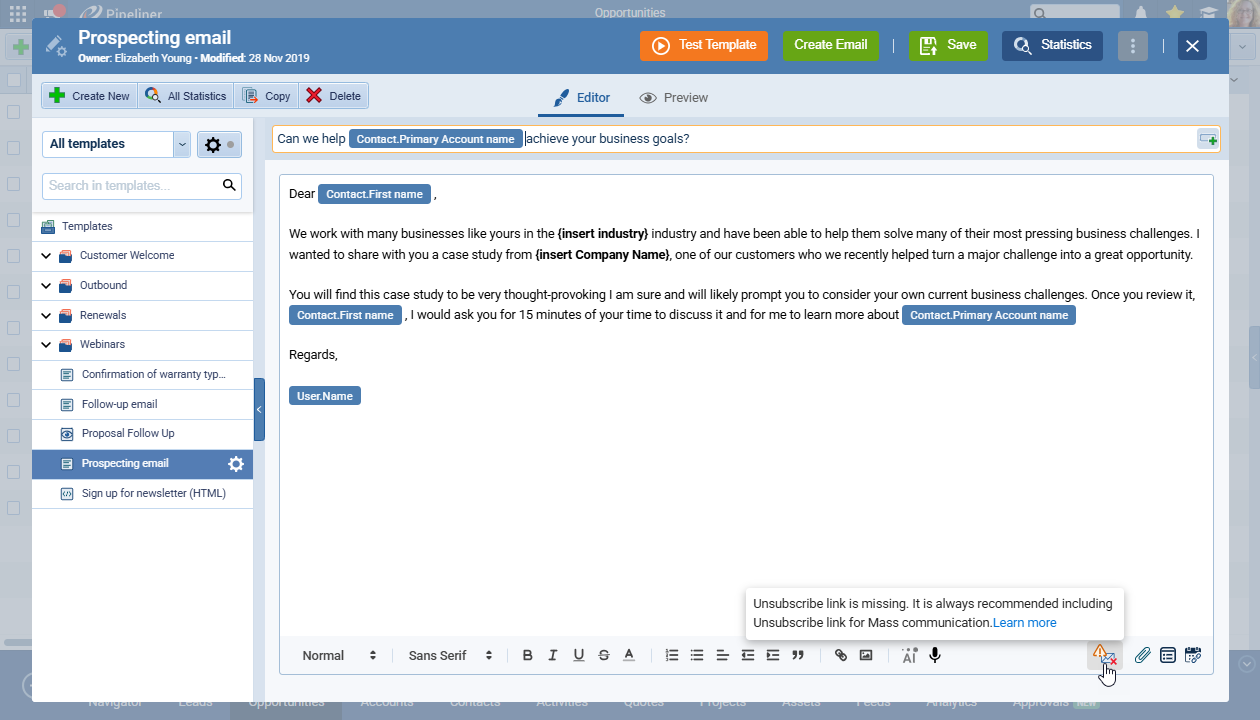
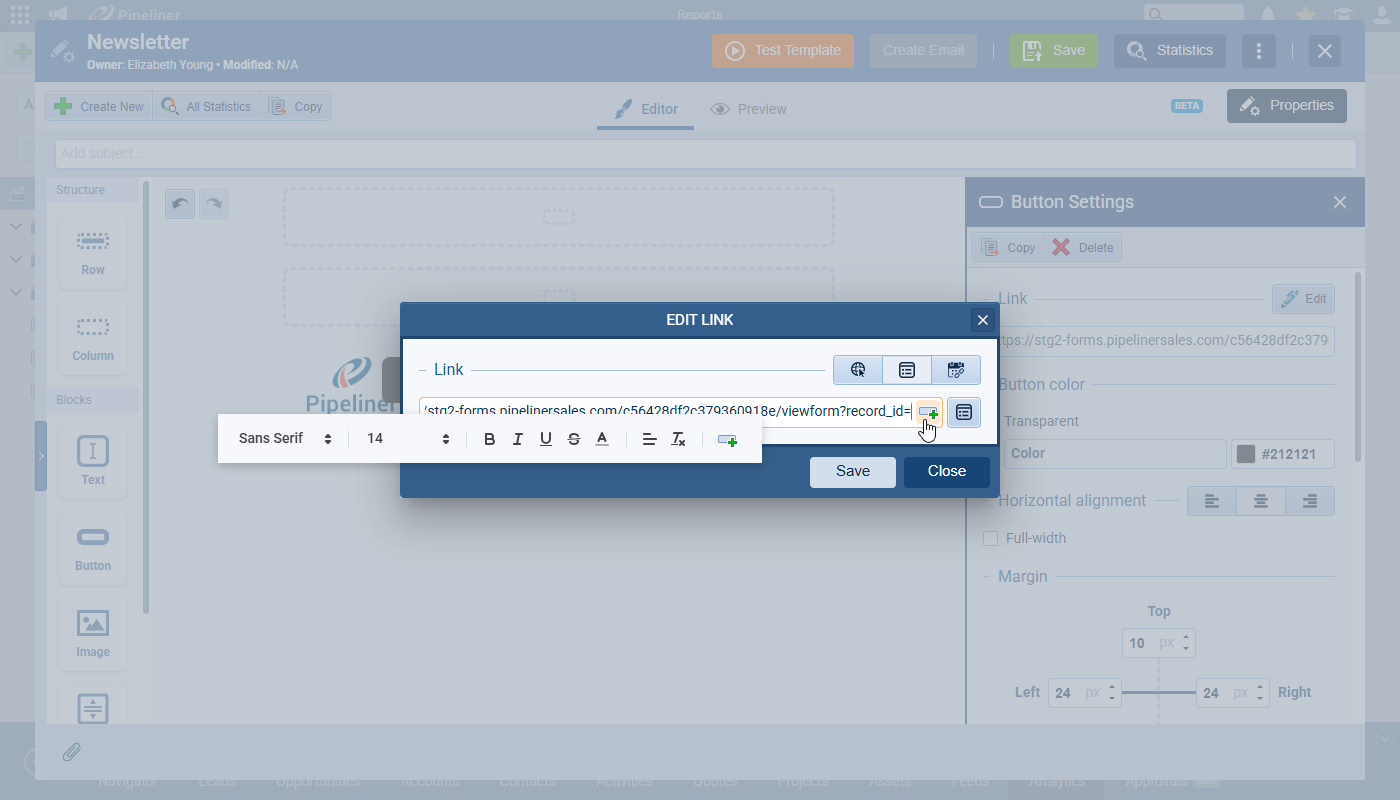
When you are reaching out to a prospect, knowing their name isn’t enough. You need to reference the specific deal you are discussing, their company structure, or their role. Pipeliner CRM’s personalization engine allows you to inject dynamic fields from Accounts, Contacts, Leads, and Opportunities directly into your subject lines and email bodies.
The Pipeliner CRM Advantage:
- Deep Field Access: Don’t limit yourself to basic contact info. Pull in “Primary Account Name,” “Opportunity Value,” or any custom field you have created.
- Intelligent Search: Forget scrolling through endless lists. Use the “@” or “#” symbols within the email editor to instantly search for and insert the fields you need.
- Contextual Relevance: By referencing specific details automatically, you demonstrate that you understand the prospect’s business, building trust from the very first sentence.
The "Safety Net": Intelligent Error Prevention
Nothing kills a deal faster—or looks more unprofessional—than an email starting with "Dear ."
Pipeliner CRM has engineered a fail-safe system to ensure that never happens to you. Our built-in Personalization Validator acts as your safety net, reviewing every single email before it leaves the outbox.
How It Protects Your Reputation:
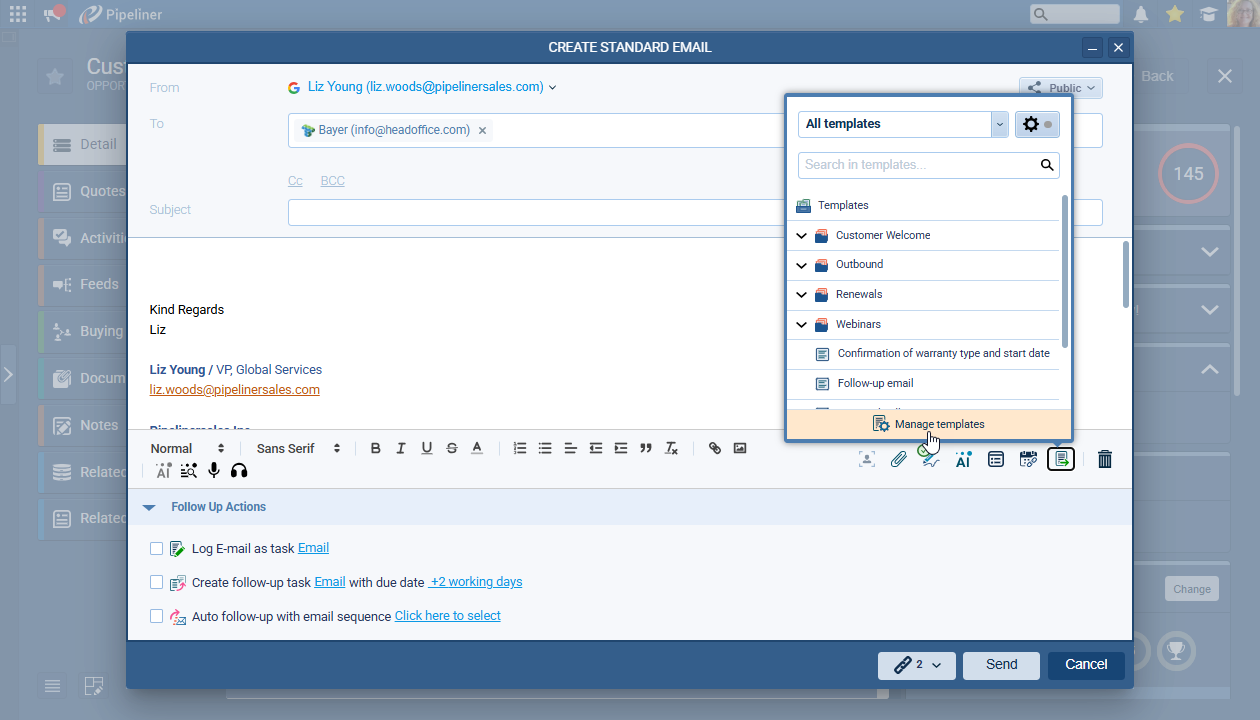
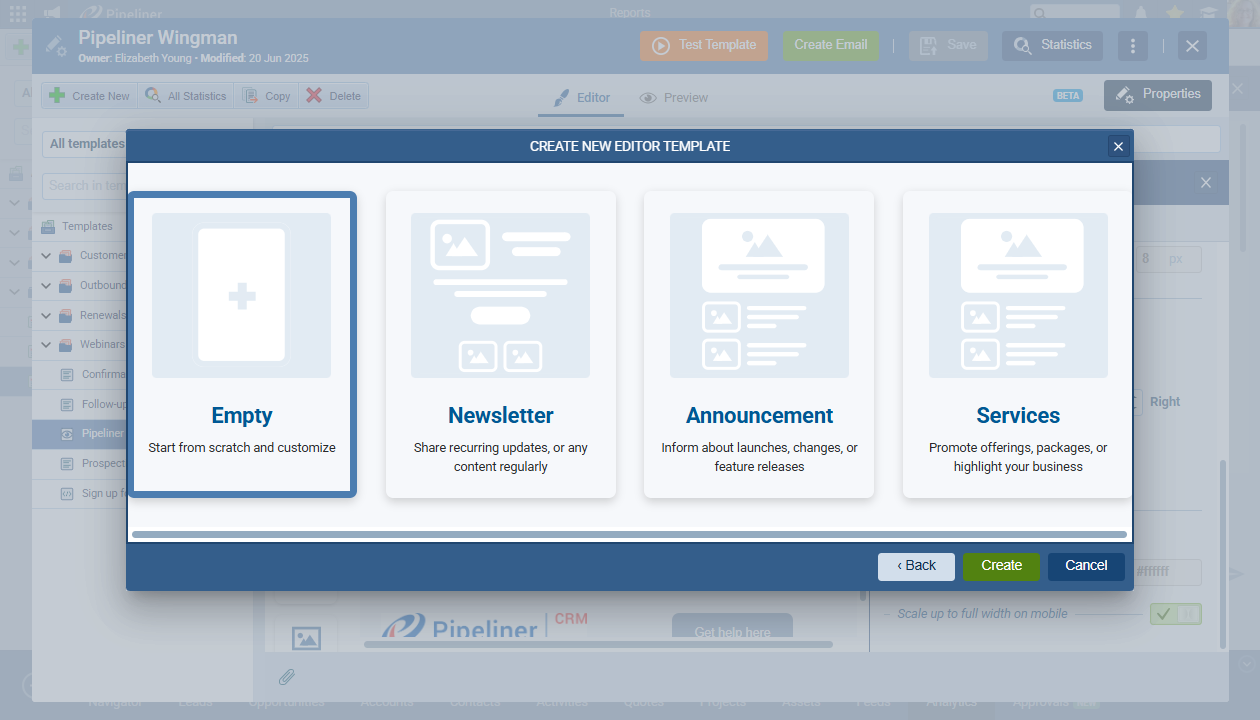
- Visual Validation: Any dynamic field you insert is clearly highlighted in the templateTemplate Template is a generic file with a framework showing the standard sections or features of a specific kind of document, used to create a new document of the same type faster and easier.. You can see exactly what data is being pulled and where.
- Intelligent Conflict Alerts: If you email about an Opportunity linked to multiple accounts, the system won't just guess. It highlights the ambiguous field in Grey and alerts you that "One or more personalization fields can't be filled."
- Green Means Go: You never have to guess if an email is ready. When the Email Personalization icon turns Green, the system confirms that every record has been successfully mapped and populated.
If a record is missing data, you can fix it instantly via the Personalization Screen without ever leaving your email draft.
Mass Email with a Personal Touch
Scaling your outreach usually comes at a cost: the loss of the personal touch. Pipeliner CRM eliminates this trade-off.
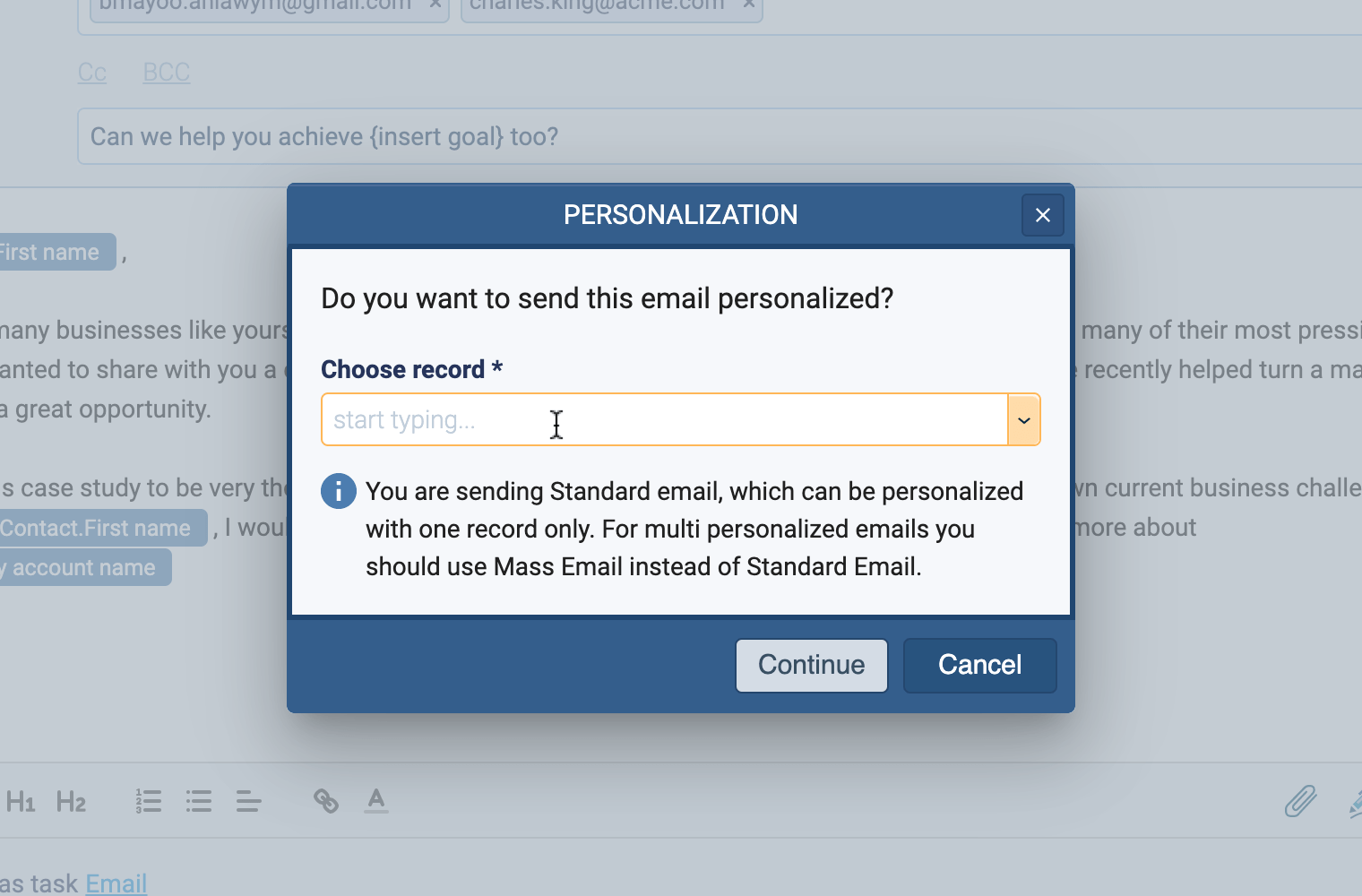
We distinguish between “Standard Emails” (a single message sent to a group, like a BCC) and “Mass Emails.” When you choose Mass Email, Pipeliner CRM generates a unique email for each recipient in your selected group.
Why this matters for Sales:
- Individual Rendering: You can select 50 prospects and send them all at once. Pipeliner CRM will generate 50 separate emails, each populated with the recipient’s unique data points.
- Avoid the “Generic Trap”: If you try to use deep personalization on a “Standard” email, Pipeliner CRM will warn you. We ensure you don’t accidentally send a generic blast when you intended to send a personalized campaign.
Seamless Integration & HTML Support
You shouldn’t have to learn a new email clientClient A client is an entity who pays another entity for products purchased or services rendered. Also called a customer. to get better results. Pipeliner CRM integrates directly with the tools you already trust.
Office 365 and Gmail Native Integration
Whether you are a Microsoft shop or a Google Workspace, Pipeliner CRM connects to your existing account. You send emails directly through the CRM, but they are delivered via your trusted provider. This ensures high deliverability and keeps your “Sent” folders in sync.
Full HTML Capabilities
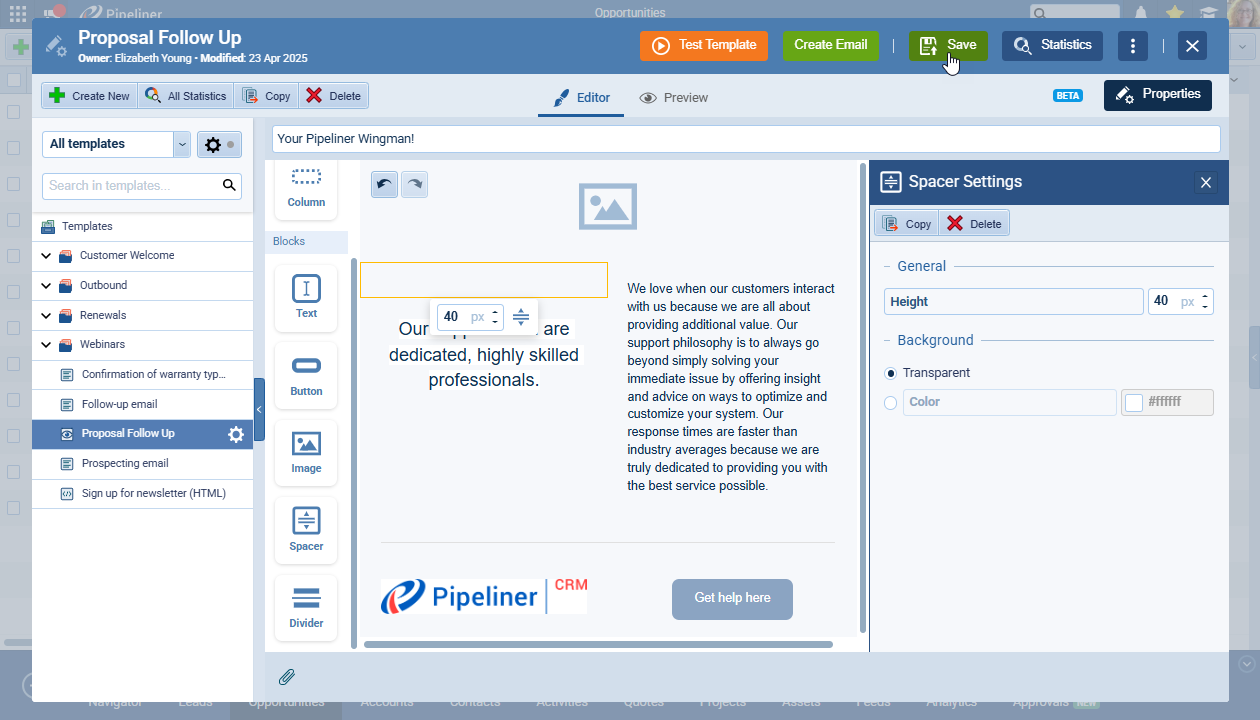
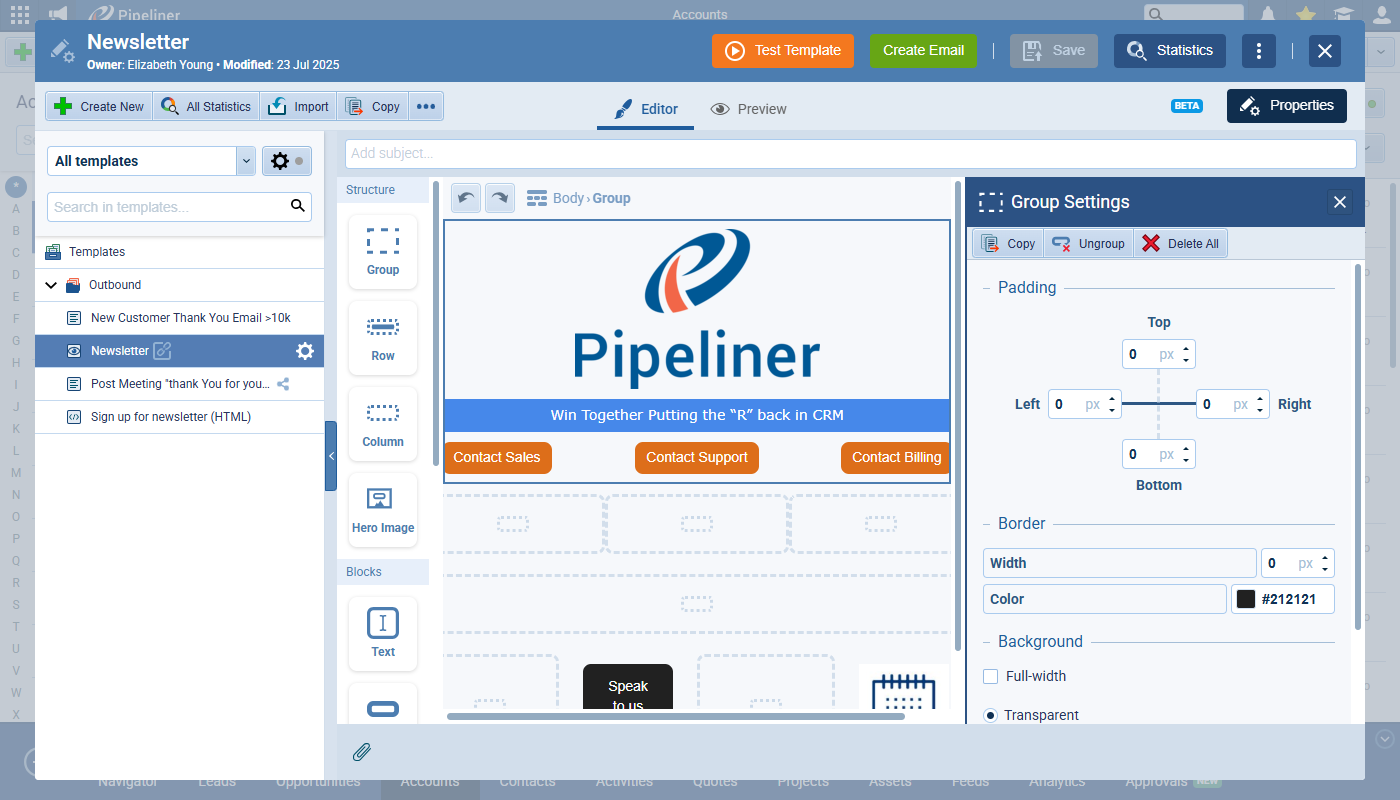
For marketingMarketing Marketing is the field, set of actions, or practice of making a product or service desirable to a target consumer segment, with the ultimate aim of effecting a purchase. teams or sales professionals who need on-brand polish, personalization extends to code.
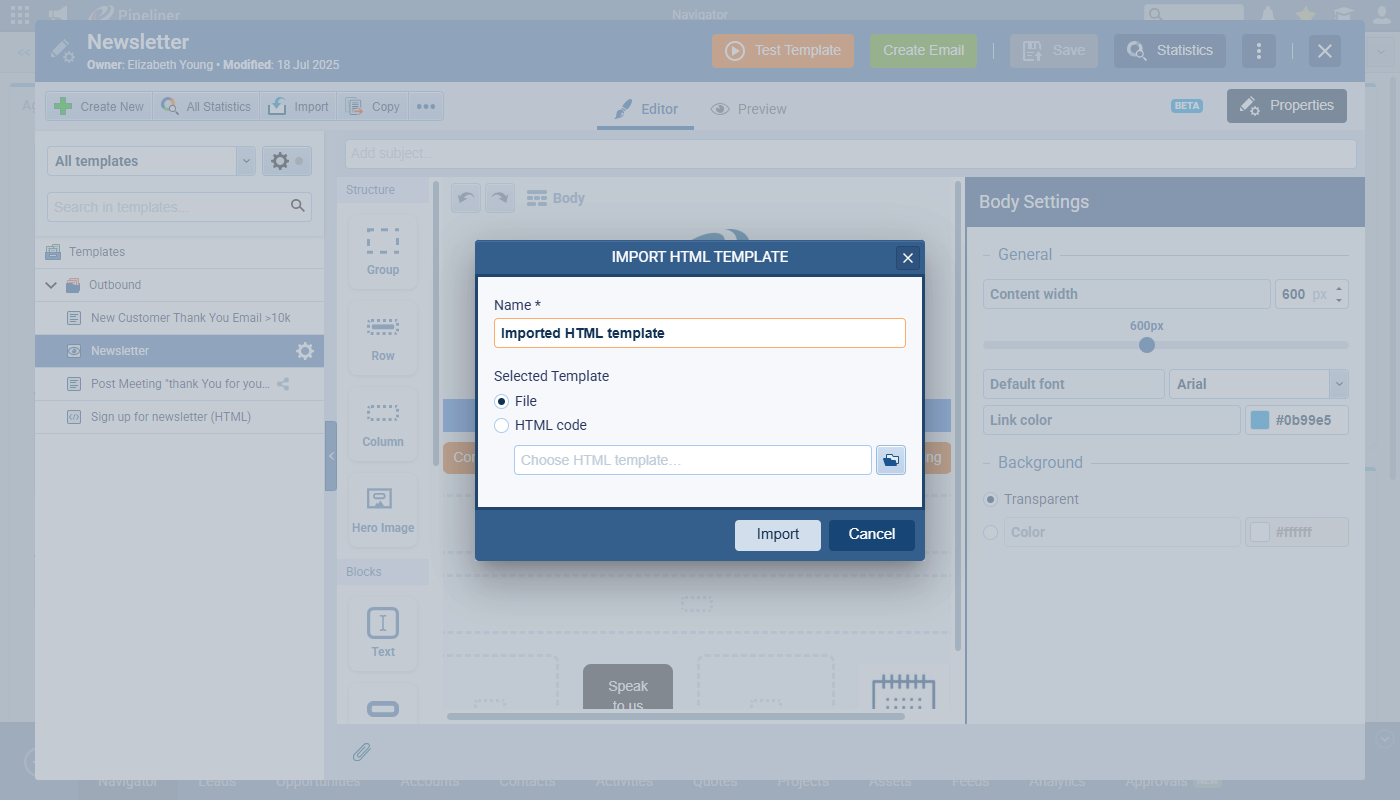
- HTML Injection: You can insert variable fields directly into your HTML templates.
- Visual Highlighting: Even in the code view, personalization tags are highlighted, making it easy to verify placement.
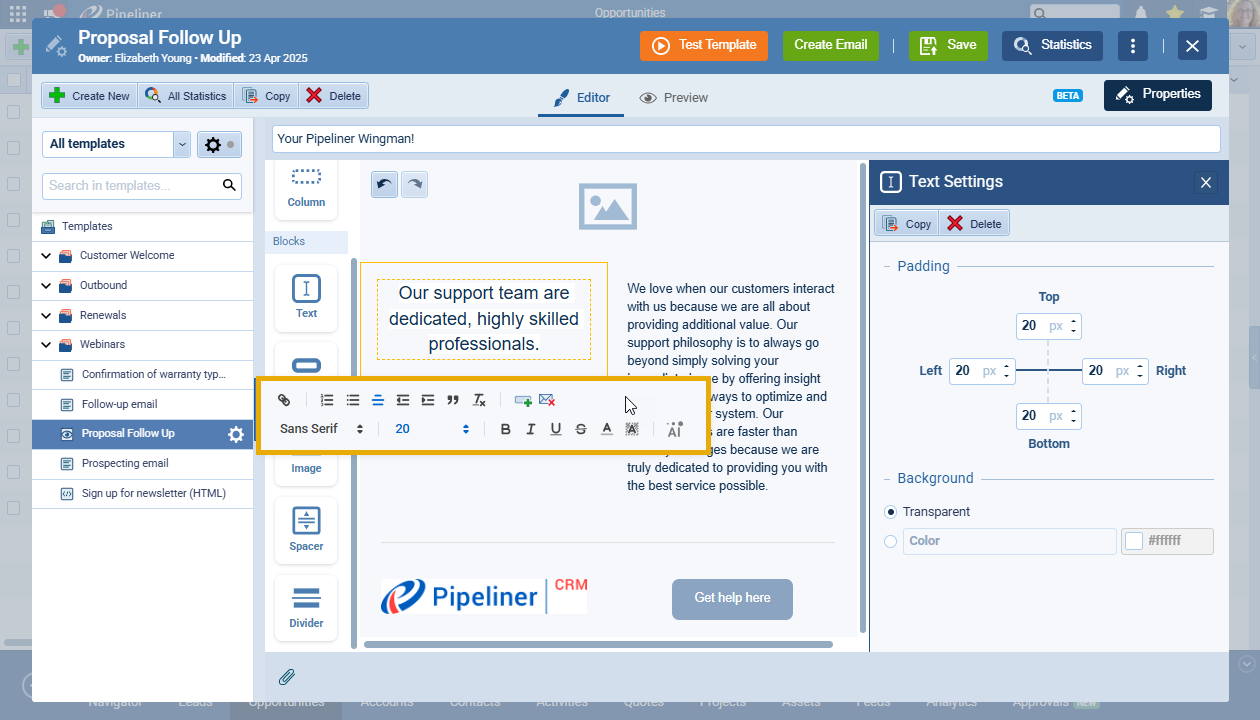
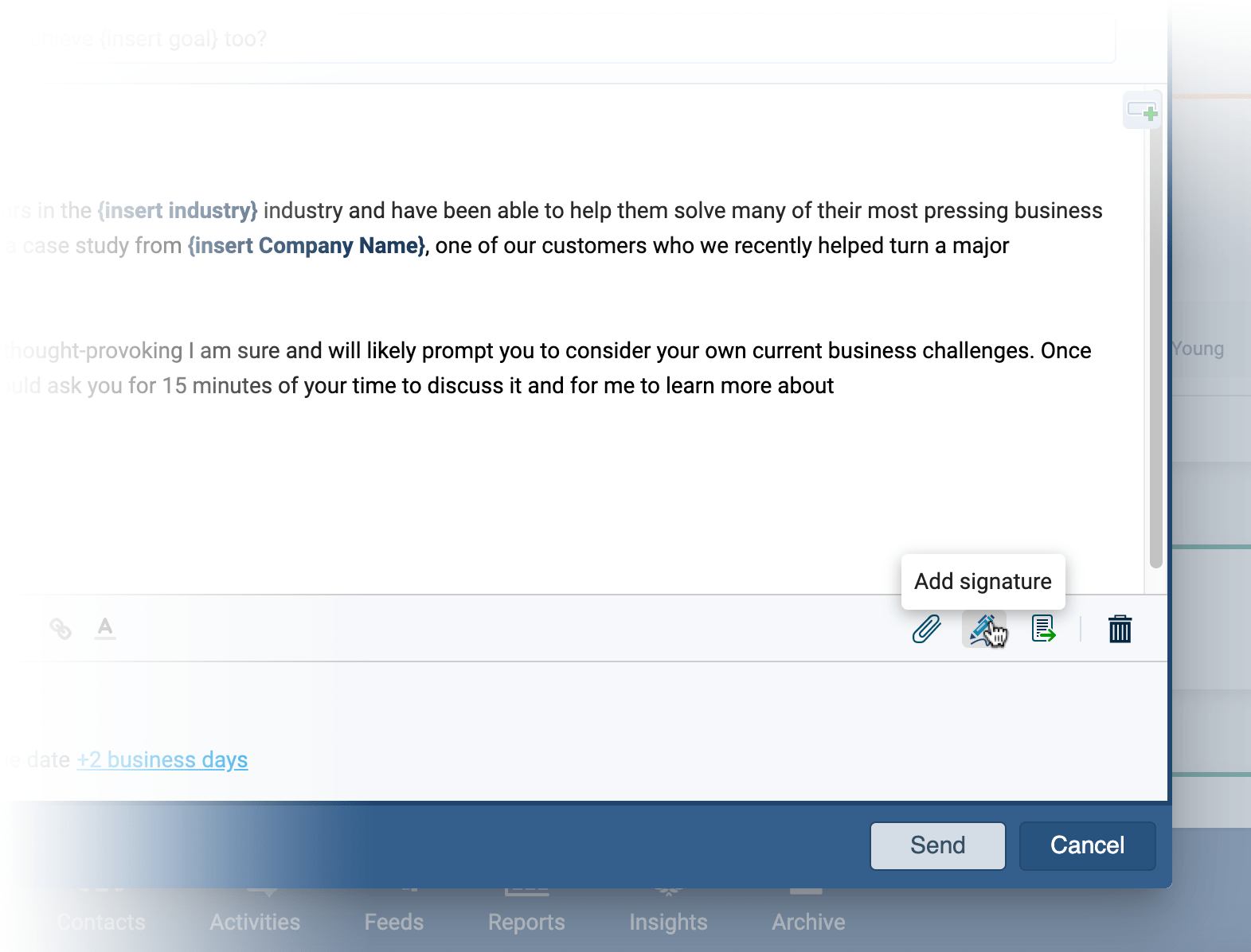
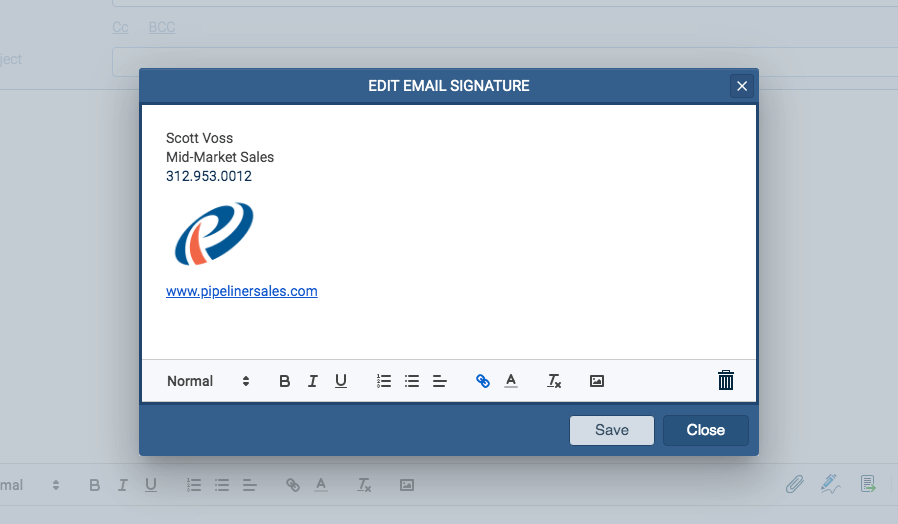
- Rich Signatures: Create consistent, professional signatures using our rich text editor. Add images, links, bold text, and colors once, and they will automatically appear in every email you send.
Automate Your Admin: Smart Record Linking
Sending the email is only half the battle; tracking it is the other. Pipeliner CRM ensures your CRM data is always pristine without requiring manual data entry.
Before you hit send, you can link your email to additional records. For example, if you are emailing a contact regarding a specific negotiationNegotiation Negotiation is a strategic dialogue, discussion, or bargaining process between two or more parties with the goal of reaching a mutually acceptable agreement., you can link that email to the relevant Opportunity.
- The Benefit: The email history is automatically tracked against the Opportunity, the Contact, and the Account.
- The Mechanism: Look for the “Link” symbol on your open email. A green checkmark indicates that the email is correctly associated with the correct records, ensuring your team always has complete visibility into the account history.
Screenshots