


The only CRM feature that shows you where your revenueRevenue Revenue is the amount of money a business generates during a specific period such as a year or a quarter; also called sales. lives — and where it’s hiding
Beyond Lists. Beyond Charts. Beyond Limits.
Sales success has always been about being in the right place at the right time. But how do you know where the right place is when your customerCustomer Customer is an individual or an organization that purchases a product or signs up for a service offered by a business. dataData Data is a set of quantitative and qualitative facts that can be used as reference or inputs for computations, analyses, descriptions, predictions, reasoning and planning. lives in endless lists and static reports?
Pipeliner CRM’s Map View answers that question with stunning clarity. By transforming your accounts, contacts, leads, and opportunities into an interactive geographic visualization, Map View reveals insights that traditional CRM views cannot.
This isn’t a gimmick. It’s a competitive advantage.
Visualize Your Entire Territory Instantly
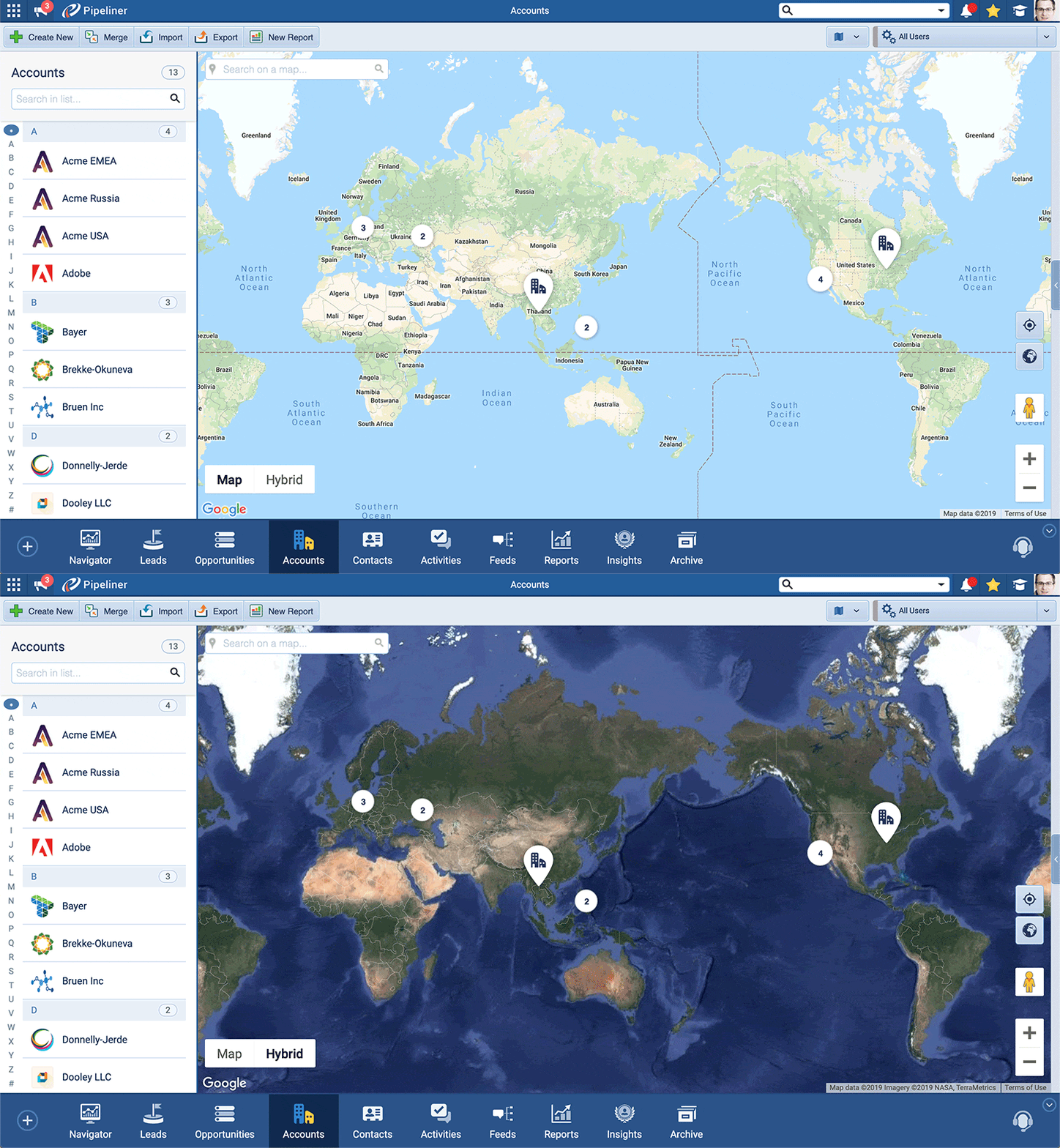
Open Map View and watch your world come into focus. Up to 5,000 records appear simultaneously on a Google Maps interface, each one representing a real relationship, a real opportunity, a real chance to grow your business.
The power lies in perspective. Zoom out to see continental patterns. Zoom in to explore neighborhood-level details—filter by country, state, or city to focus your analysis. The map responds instantly, adapting to your strategic questions in real-time.
For the first time, you can genuinely see your market — not as abstract numbers, but as a living, geographic reality.
Prioritize What Matters Most
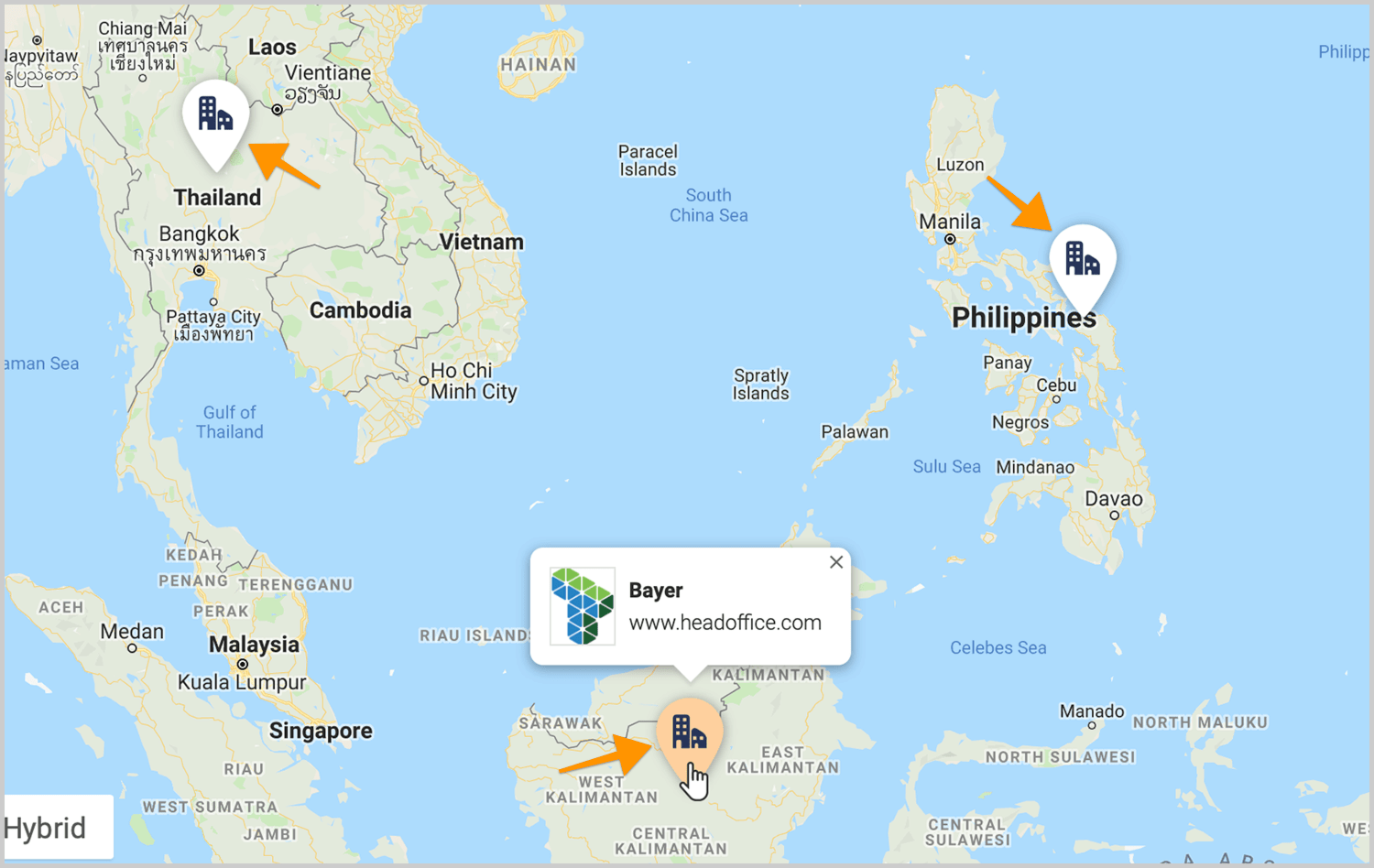
Every opportunity on your map appears as a pin, but not all pins are equal. Map View uses value-based sizing to ensure high-value opportunities stand out visually. Bigger deals get bigger pins. At a glance, you know exactly where to focus your attention.
This visual hierarchy eliminates the mental math required to scan opportunity lists. Your brain processes spatial information faster than numerical data, and Map View leverages that natural advantage. Priority targets practically jump off the screen.
Track Success With Color-Coded Intelligence
Winning isn’t just about closing deals — it’s about understanding why you win and where you win most often.
Map View marks won opportunities with distinctive green pins, creating a visual success map across your territory. Over time, clusters of green reveal your strongest markets. Sparse areas highlight growth opportunities. Patterns emerge that inform everything from hiring decisions to marketingMarketing Marketing is the field, set of actions, or practice of making a product or service desirable to a target consumer segment, with the ultimate aim of effecting a purchase. investments.
This isn’t backward-looking analysis — it’s a forward-looking strategy built on geographic truth.
Understand Regional Value at a Glance
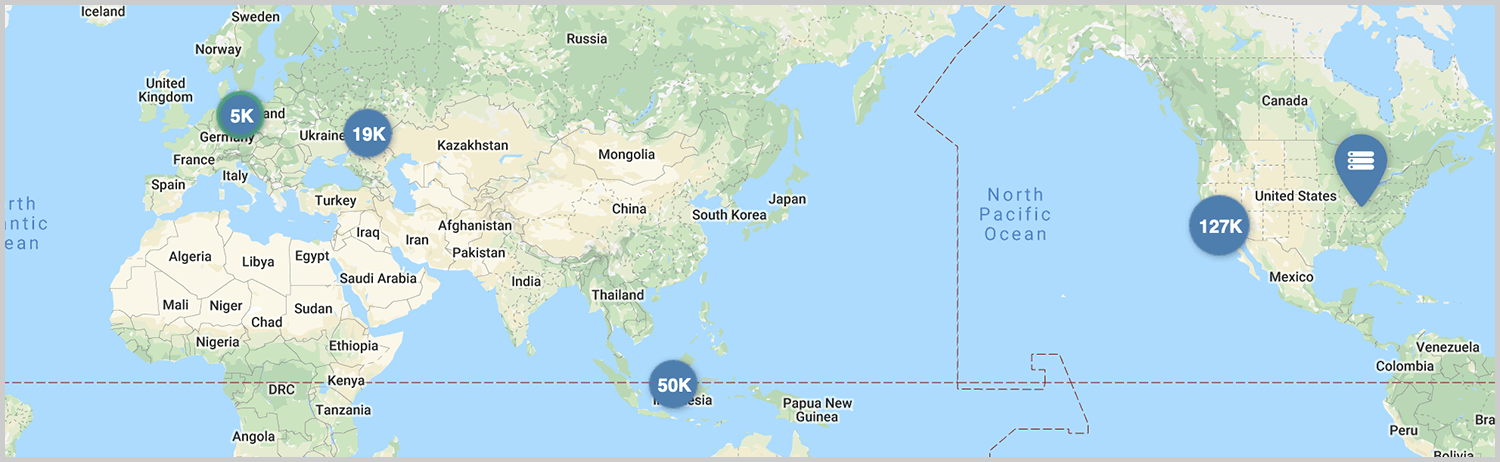
When opportunities cluster in the same geographic area, Map View doesn’t create visual chaos. Instead, it intelligently groups nearby pins and displays the combined opportunity value for that region.
This aggregated view answers critical questions instantly. Which regions hold the most pipelinePipeline Sales pipelineis a visual representation of the stage prospects are in the sales process. value? Where should you allocate additional resources? Which territories justify dedicated accountAccount Account refers to a record of primary and background information about an individual or corporate customer, including contact data, preferred services, and transactions with your company. executives?
Click any cluster to zoom in and explore individual opportunities. Keep clicking until you see every pin. The map guides your exploration naturally, revealing layers of insight with each interaction.
Manage Records Without Leaving the Map
Map View isn’t a passive visualization — it’s an active workspace.
Click any pin to open a preview pane containing full record details. From this pane, you can edit information, update stages, add activities, and manage relationships — all while maintaining your geographic context.
This seamless integration eliminates the friction of switching between views. Your workflow stays uninterrupted. Your insights stay connected to action. And your team stays productive.
Optimize Every Mile Your Team Travels
For field sales organizations, Map View is transformational.
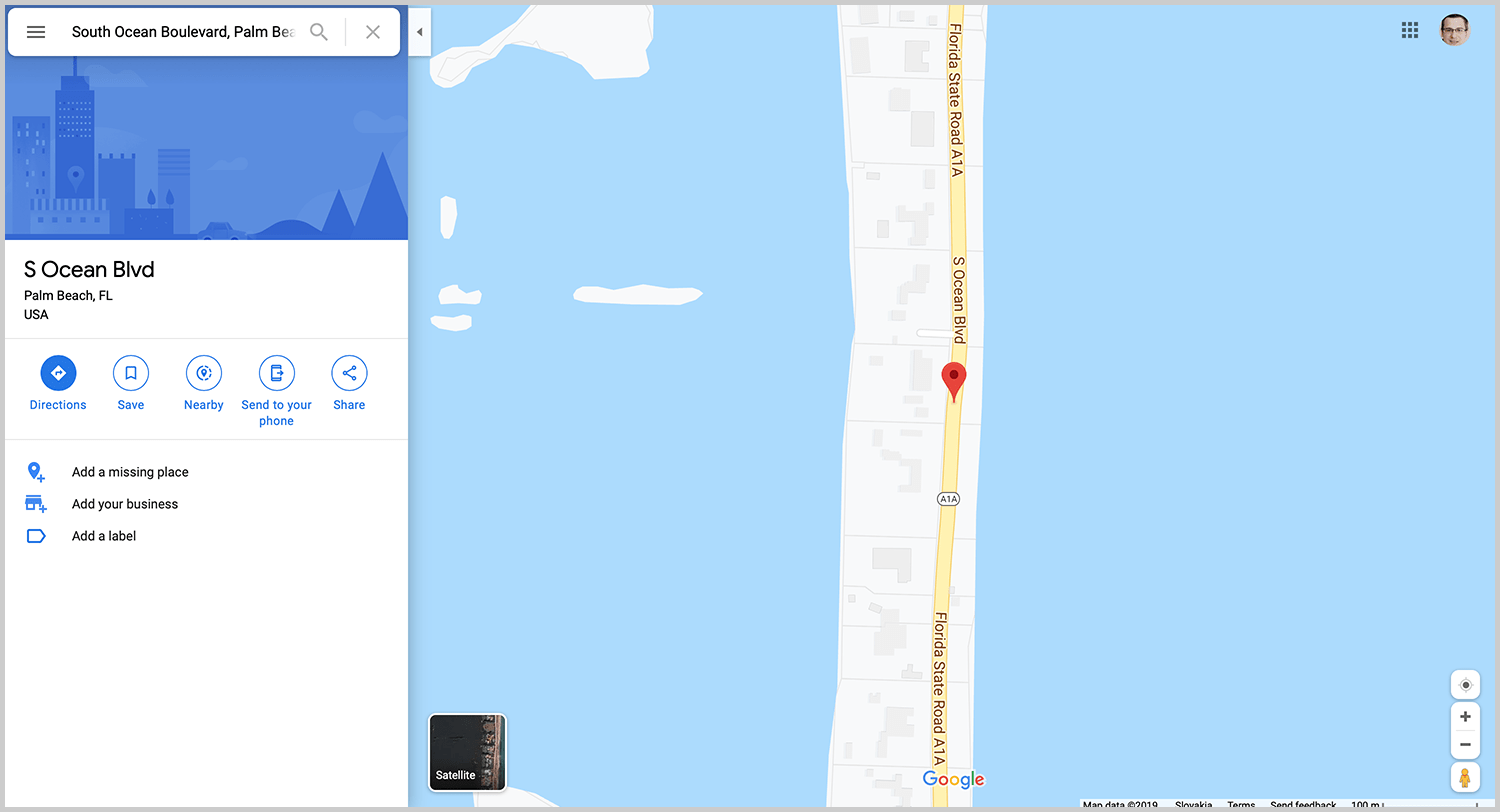
Planning a clientClient A client is an entity who pays another entity for products purchased or services rendered. Also called a customer. visit? Before you leave, open Map View and see every account and opportunity near your destination. That single meeting becomes a strategic tour. That day trip becomes a revenue-generating expedition.
Reps who use geographic intelligence spend less time behind the wheel and more time in front of customers. They discover “while you’re in the area” opportunities that would otherwise go unnoticed. They build denser, more efficient territories.
The result? More conversations. More relationships. More closed deals.
Analyze Lost Opportunities Geographically
Most CRMs treat lost deals as historical footnotes. Pipeliner CRM treats them as strategic intelligence.
Map View is accessible from both active pipelines and archives, allowing you to visualize lost opportunities on the same geographic canvas as current ones. This unique capability reveals patterns invisible in traditional reporting.
Are losses concentrated in specific regions? Do certain territories show higher competitive pressure? Are there geographic factors affecting close rates?
These questions have answers — and Map View helps you find them.
Four Entities, One Unified View
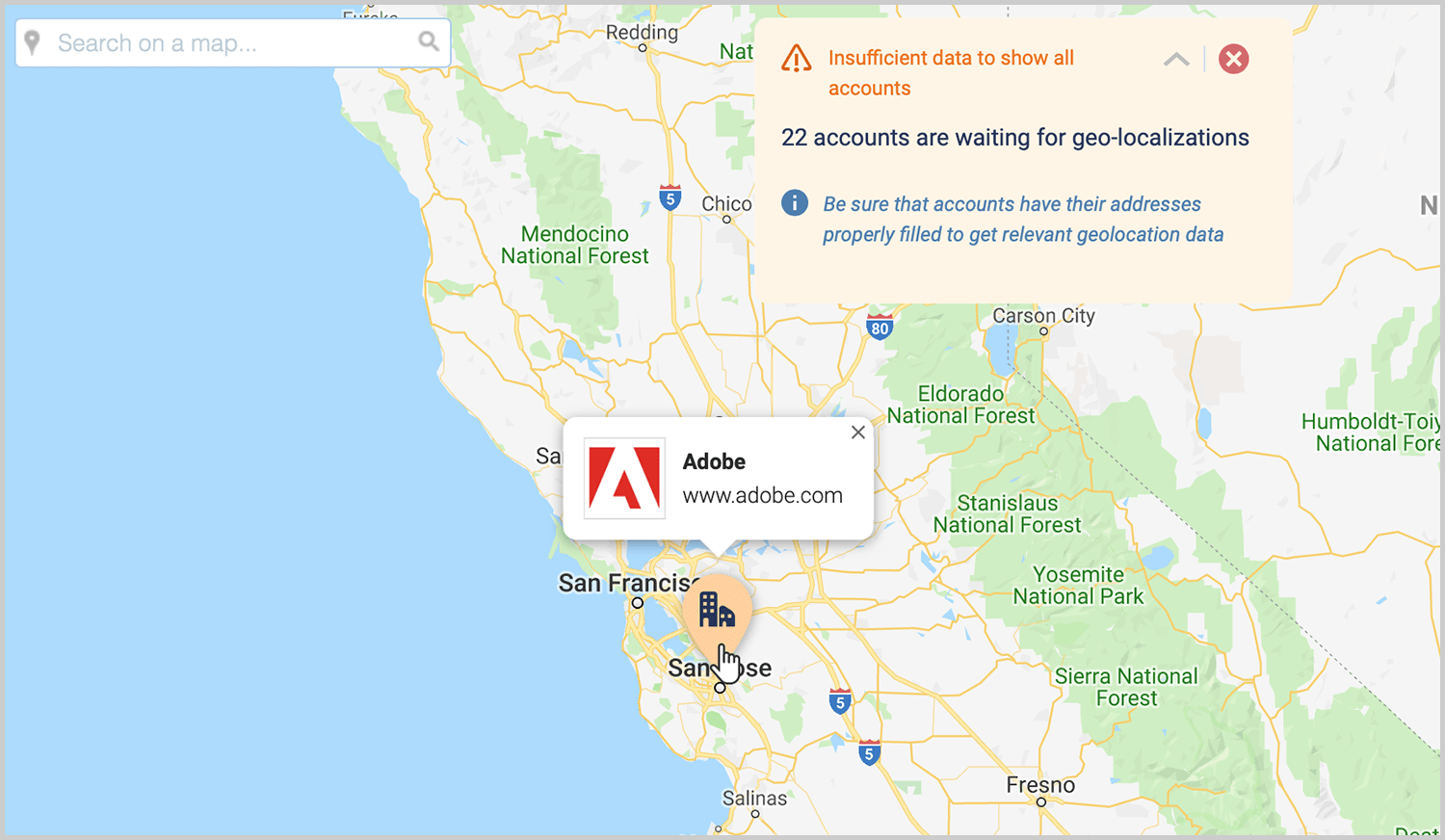
Map View works across your entire Pipeliner CRM ecosystem. Visualize Accounts to understand customer distribution. Map Contacts to see relationship density. Plot Leads to identify emerging opportunities. Track Opportunities to monitor pipeline geography.
Each entity type displays with appropriate visual indicators. Accounts show building icons. Opportunities display value-sized pins. The interface adapts to what you’re viewing while maintaining consistent, intuitive interactions.
Switch between entities effortlessly. Compare geographic patterns across your database. Build a complete picture of your market presence.
Built on Google Maps, Built for Sales
Pipeliner CRM Map View leverages Google Maps integration to deliver an interface your team already knows how to use. Pan, zoom, click, and explore using familiar gestures and controls.
The feature activates through the Pipeliner CRM Automation Hub and works with standard address fields. No complex configuration. No technical expertise required. Just enable the feature and start exploring your territory.
The Competitive Edge You’ve Been Missing
Your competitors are looking at the same spreadsheets you are. They’re sorting the same columns, filtering the same lists, and missing the same geographic insights.
Map View changes the game.
When you can see your territory, you can own your territory. When you understand geographic patterns, you can exploit geographic advantages. When your team has visual intelligence, they make better, faster decisions.
This is what modern sales look like. This is Pipeliner Map View.
Experience the Difference
Words can only describe so much. To truly understand the power of Map View, you need to see your own data come alive on the map.
Start your free trial today. Your territory is waiting to be discovered.