In modern sales, dataData Data is a set of quantitative and qualitative facts that can be used as reference or inputs for computations, analyses, descriptions, predictions, reasoning and planning. is only as valuable as your ability to find it, understand it, and act on it. Your CRM shouldn’t be a digital filing cabinet where information goes to hide—it should be an active engine that drives your revenueRevenue Revenue is the amount of money a business generates during a specific period such as a year or a quarter; also called sales. forward.
Pipeliner CRM transforms the way you interact with your data through two powerful innovations: Intelligent Global Search and the Power Panel. Together, they act as your sales command center, giving you X-ray vision into your pipelinePipeline Sales pipelineis a visual representation of the stage prospects are in the sales process. and eliminating the friction between “looking for a deal” and closing it.
Global Search: Instant Access, Zero Friction
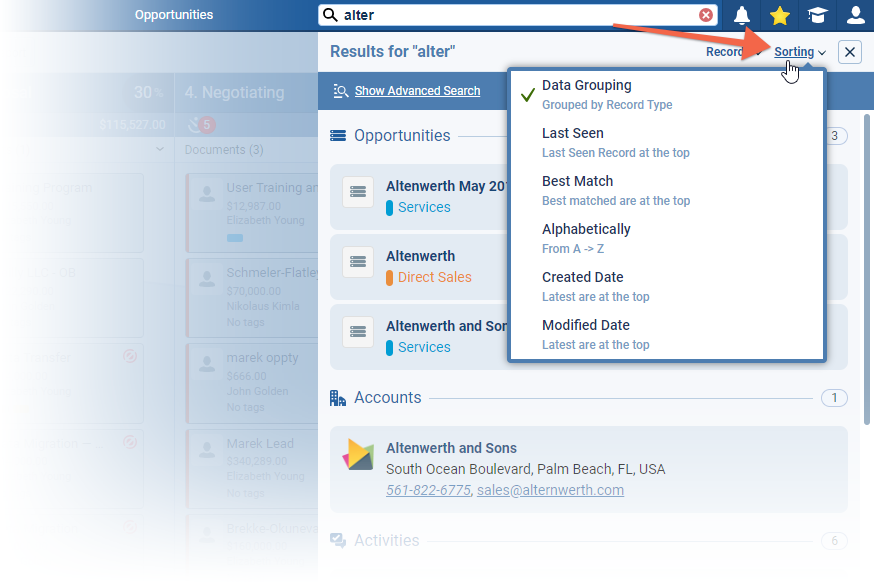
Your sales team shouldn’t waste hours digging for records. Pipeliner CRM’s Global Search is designed for speed and intelligence. It doesn’t just look at names; it scours the entire system.
Whether you need a specific Opportunity, a partial phone number, or text hidden deep within a Document or Note, our intelligent scope finds it instantly. And because real life is rarely case-sensitive, our Partial and Exact Matching logic forgives typos and incomplete information, ensuring you find what you need even if you don’t remember the full email address.
But we know that finding the data is only half the battle. You need to act on it. With Inline Actions, the search results page becomes a workspace. You can email a contact, initiate a call, or edit record details directly from the search list without ever opening the whole record.
The Power Panel: Your Pipeline, Your Way
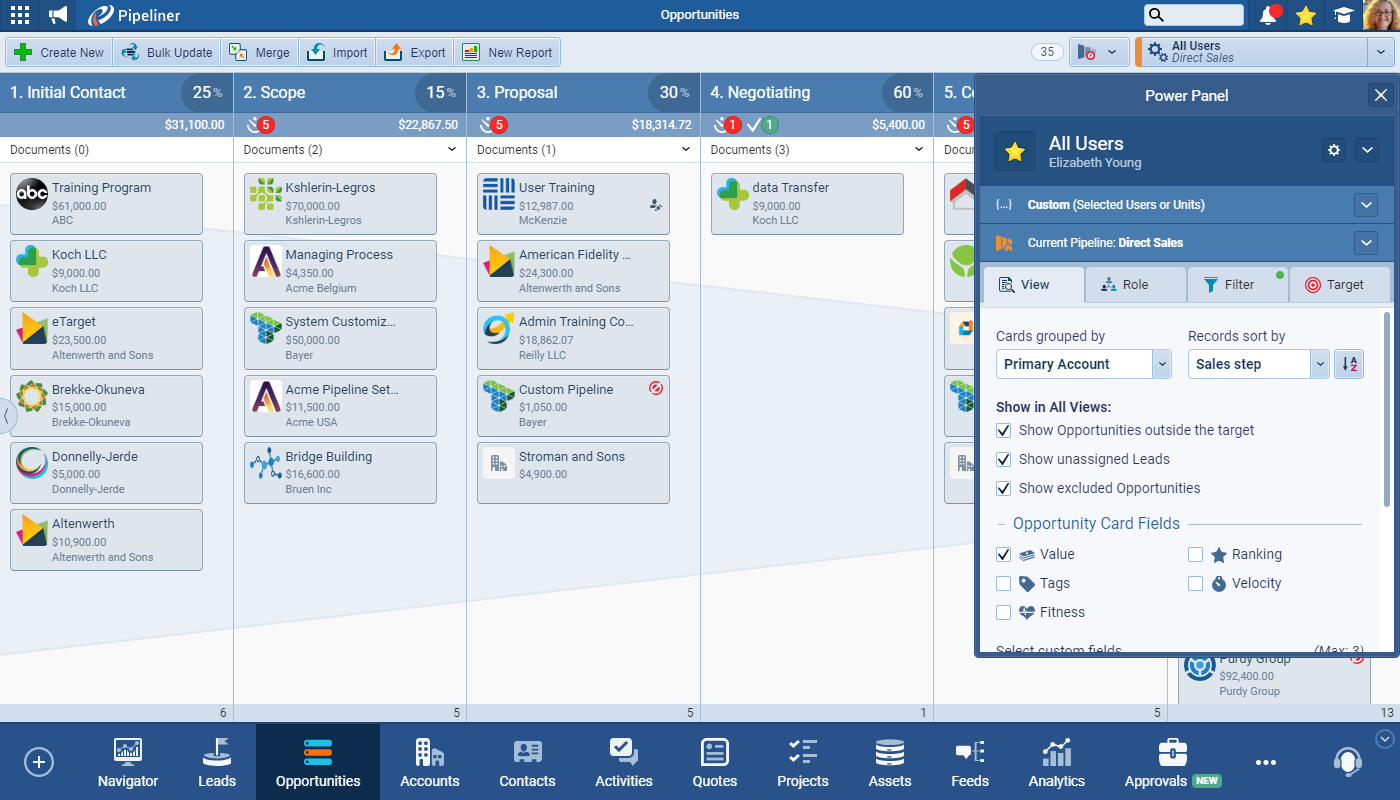
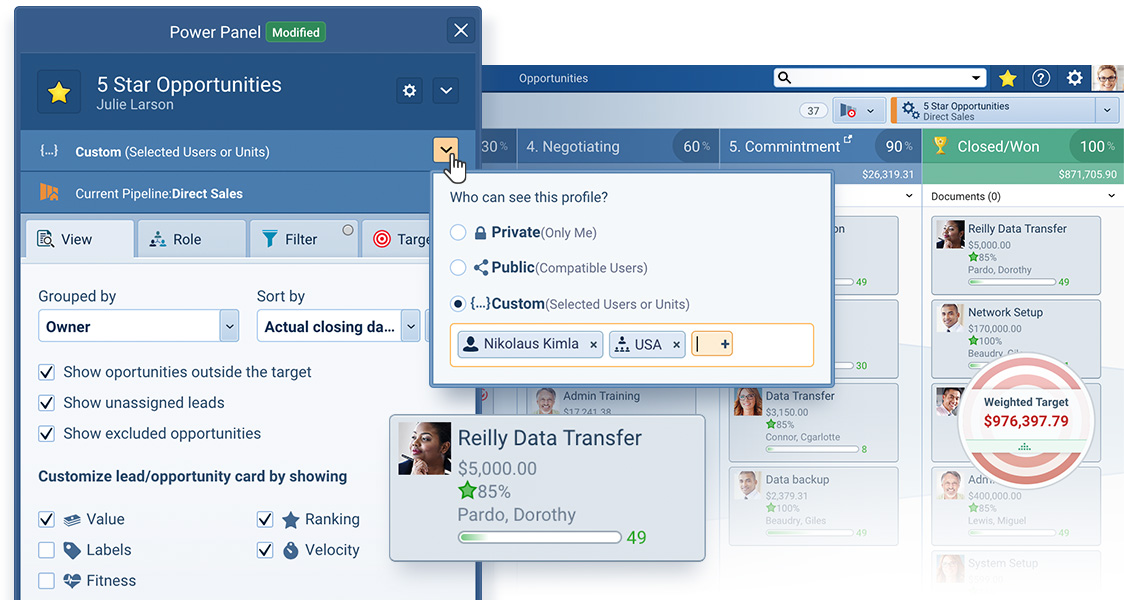
If Global Search is the engine, the Power Panel is the brain. Located right in your main view, the Power Panel lets you slice, dice, and visualize your data to match your unique sales strategy. It offers total control over what you see and how you see it.
Visualize Deal Health. Instantly stop guessing which deals are real. The Power Panel allows you to toggle on advanced visual indicators that tell the true story of your pipeline:
- Velocity Tracking: Instantly spot stalled deals. The system turns cards red when an Opportunity stays in a sales step longer than expected, alerting you to immediate risk.
- Fitness Indicators: Activate the “Fitness” view to see color-coded bars indicating activity levels. You’ll know immediately which leads are being nurtured and which are being neglected.
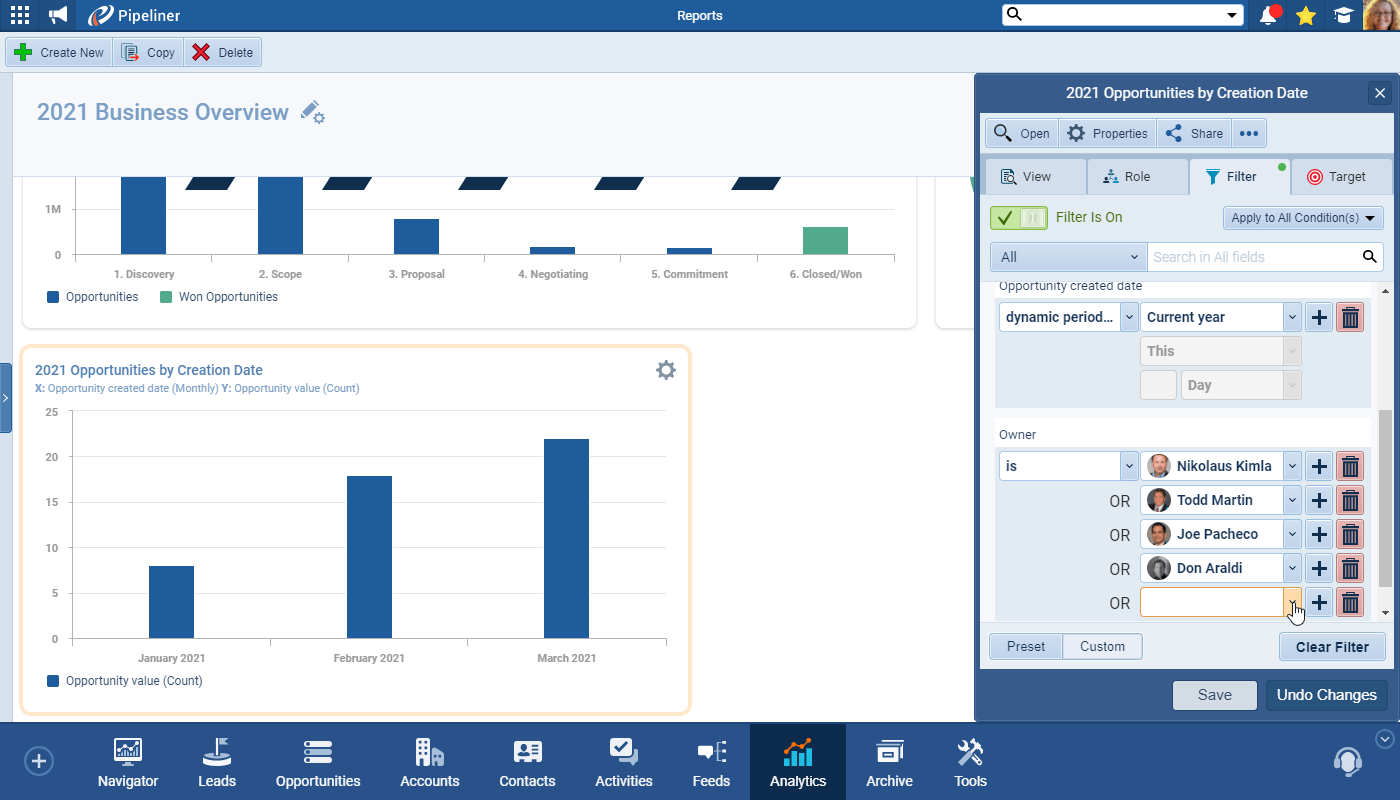
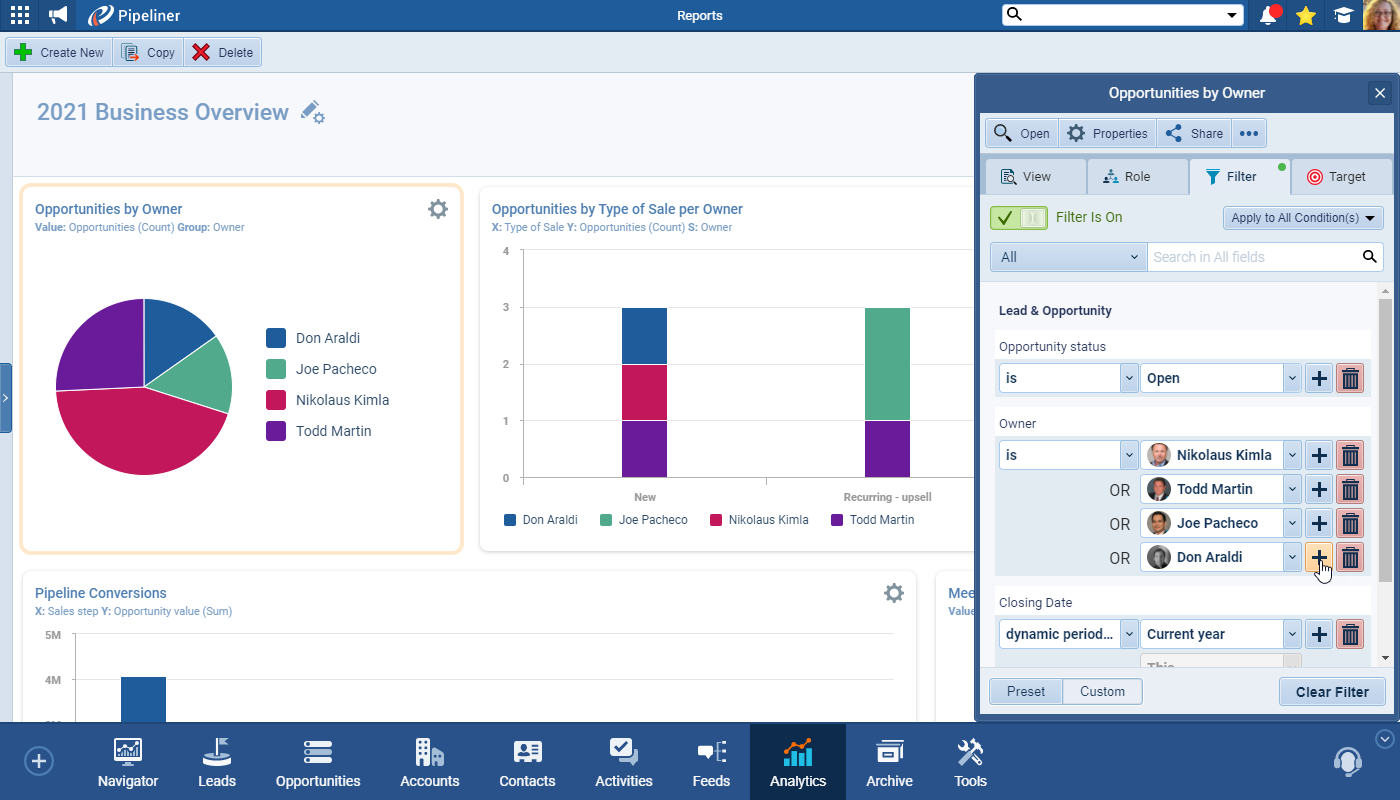
Filter with Surgical Precision. From “My View” to “Team View,” the Power Panel adapts to your role. You can layer Custom Filters to isolate specific scenarios—such as “Unassigned Leads created last week with a value over $10k”—or use Dynamic Periods to see deals “Closing This Week” without constantly updating date ranges.
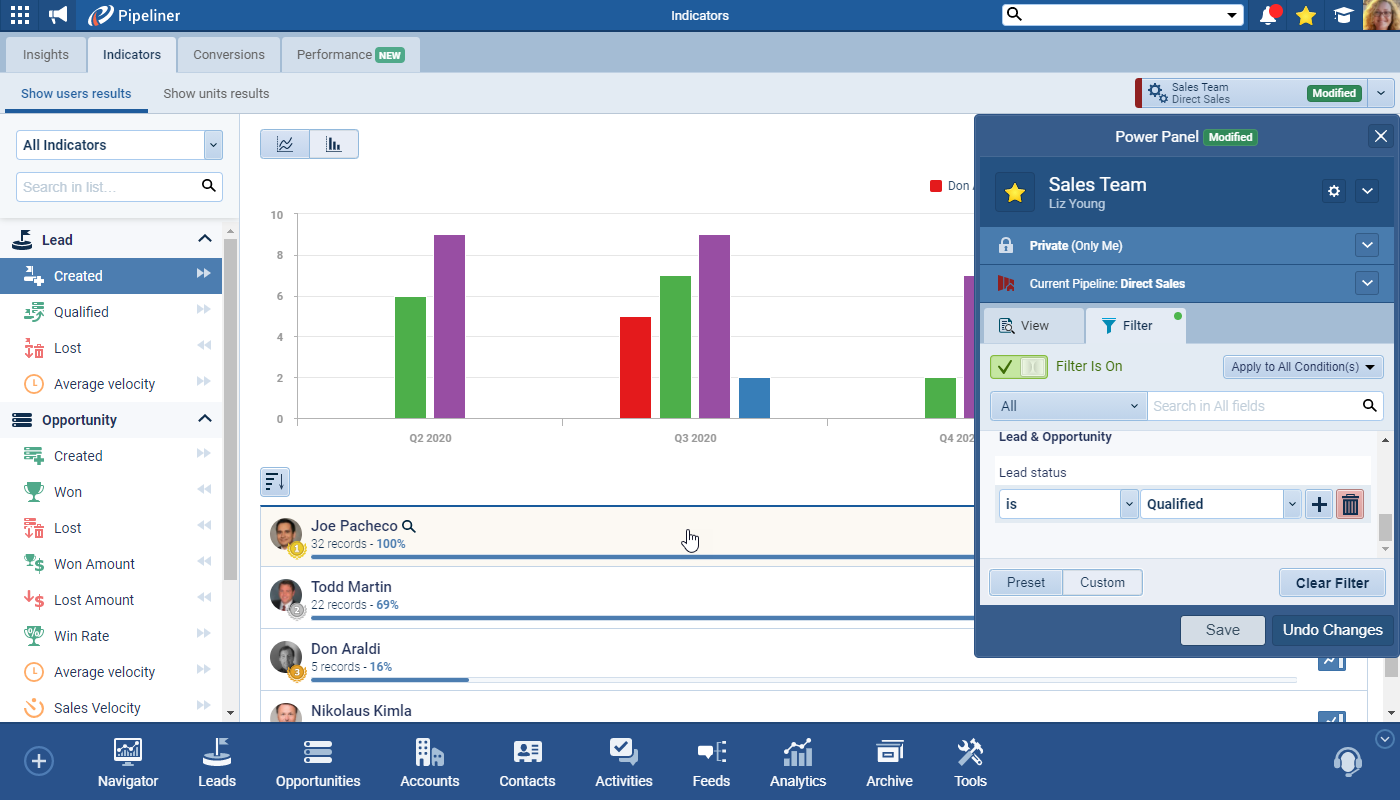
Save Time with Profiles. Don’t waste time rebuilding your favorite reports every morning. Once you have configured your perfect combination of filters, views, and sorting logic, save it as a Profile. You can keep these Profiles private for your own deep-dive analysis or share them with your team to standardize workflows and ensure everyone is looking at the same data.
The Pipeliner CRM Difference
Pipeliner CRM doesn’t just store your data; it empowers you to command it. By combining the instant accessibility of Global Search with the analytical depth of the Power Panel, you spend less time managing software and more time managing relationships.
Screenshots